
Plan a month of marketing in 2 minutes
Tell MiinPlanner about your business and your goal. It builds a day-by-day marketing plan and puts every task on your board, ready to work through. Free, no credit card.
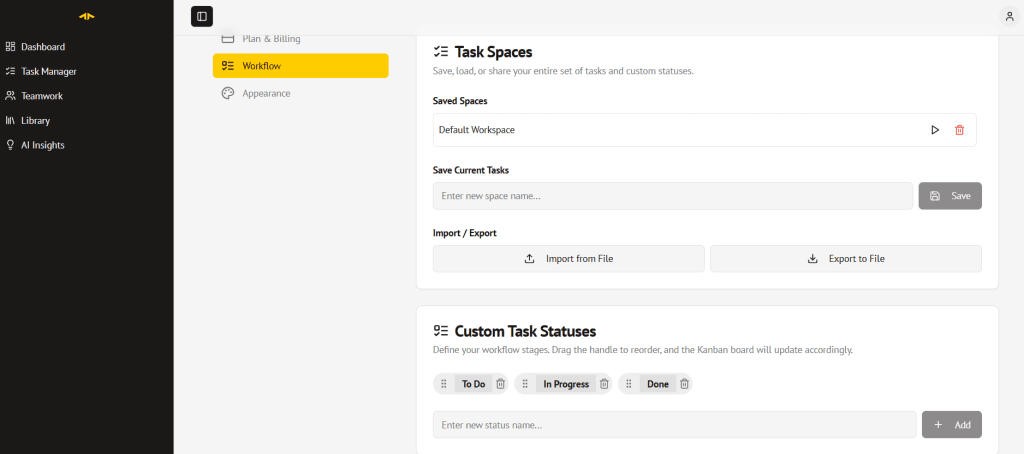
How the AI marketing planner works
Describe your business
Say what you sell, who buys it, what you want to achieve, and which channels you can use: Facebook, Zalo, Google Business Profile, email and more.
Get a dated plan
Choose 1 week, 2 weeks or 30 days and how many hours you have. The AI builds concrete tasks, from fixing your profiles to posting ideas to a final results check.
Put it on your board
Keep the tasks you like and drop the rest. They land on your board with due dates, so each day you know exactly what to do next.
Plus everything you need to get it done

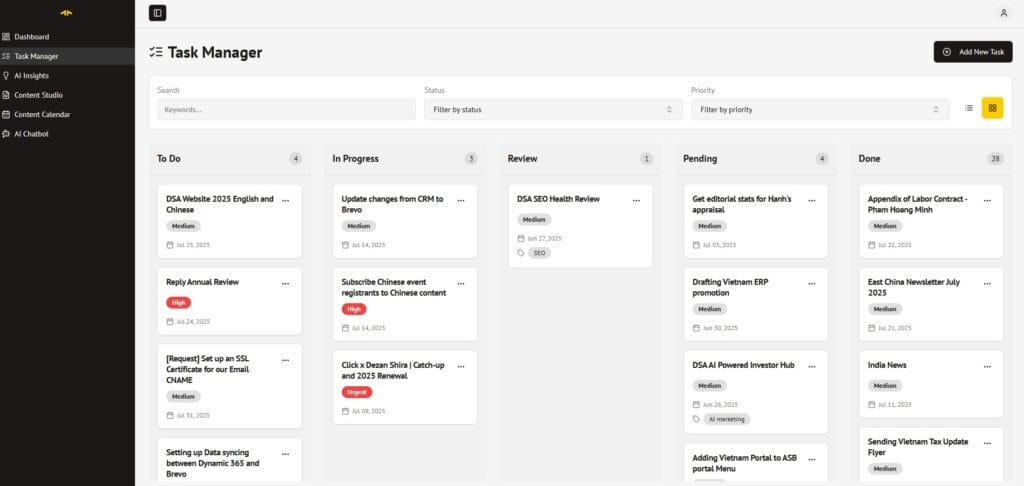
Task boards
Kanban boards with custom statuses, priorities, deadlines, and filters. See your full workload at a glance and move tasks as things change.

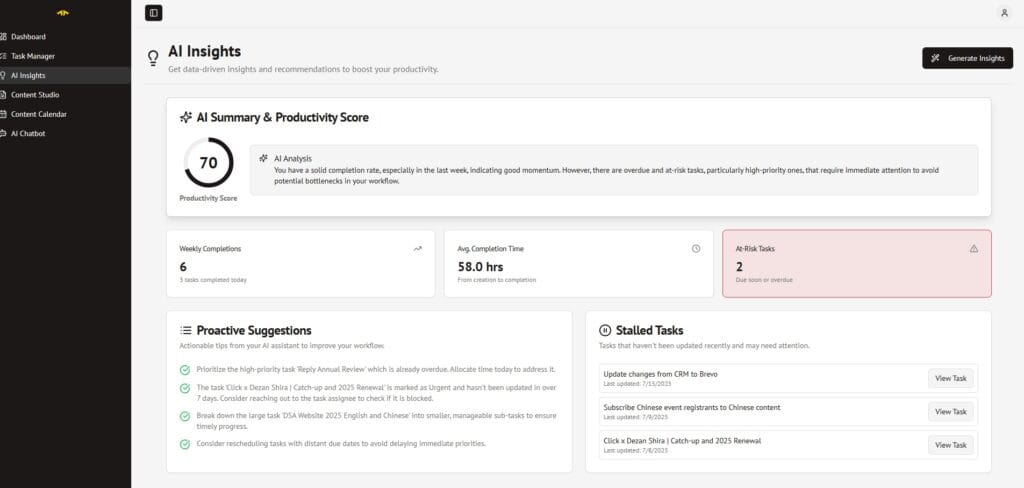
AI insights
MiinPlanner tracks your activity and gives you a productivity score with concrete suggestions, not just charts to stare at.

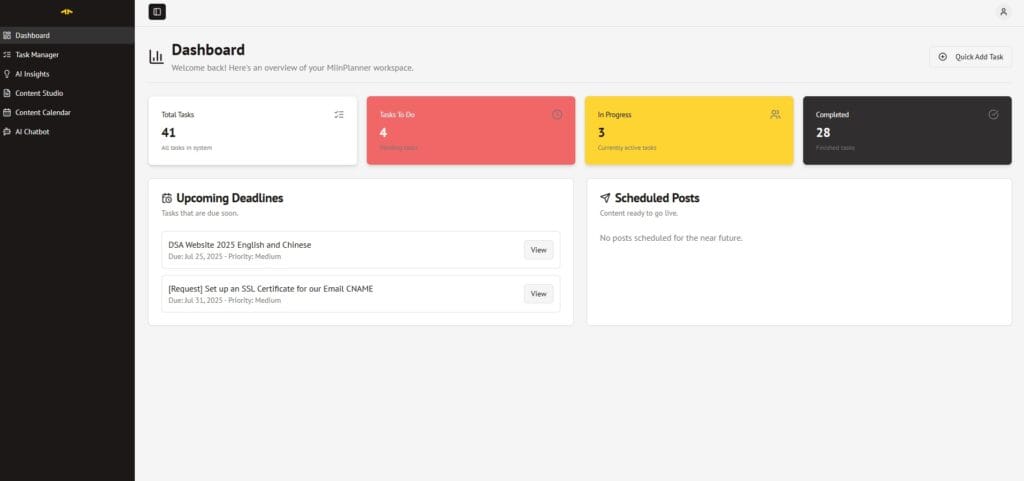
Team workspaces
Invite collaborators, assign tasks, and manage shared projects in a dedicated workspace. Works for agencies, small teams, or anyone running a project with someone else.
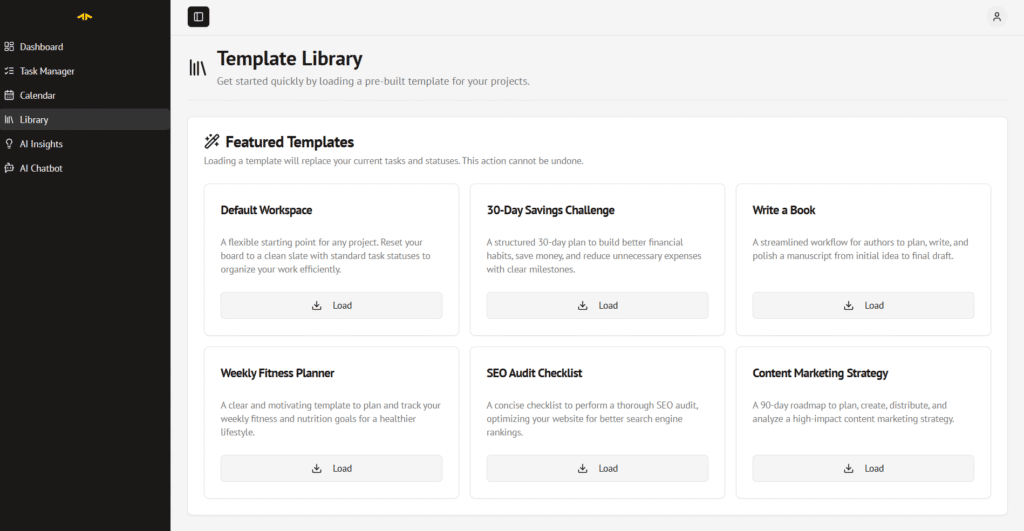
Template library
Start from a ready-made board, like a content marketing strategy or an SEO audit checklist. Customise it or start from scratch.
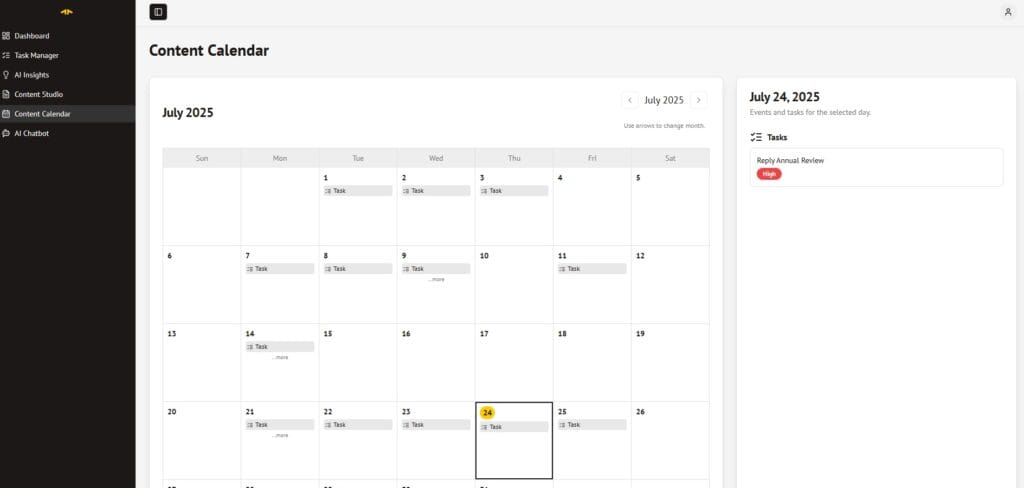
Calendar view
See all tasks and deadlines in one calendar view. Plan campaigns, spot gaps, and know exactly what’s coming up.
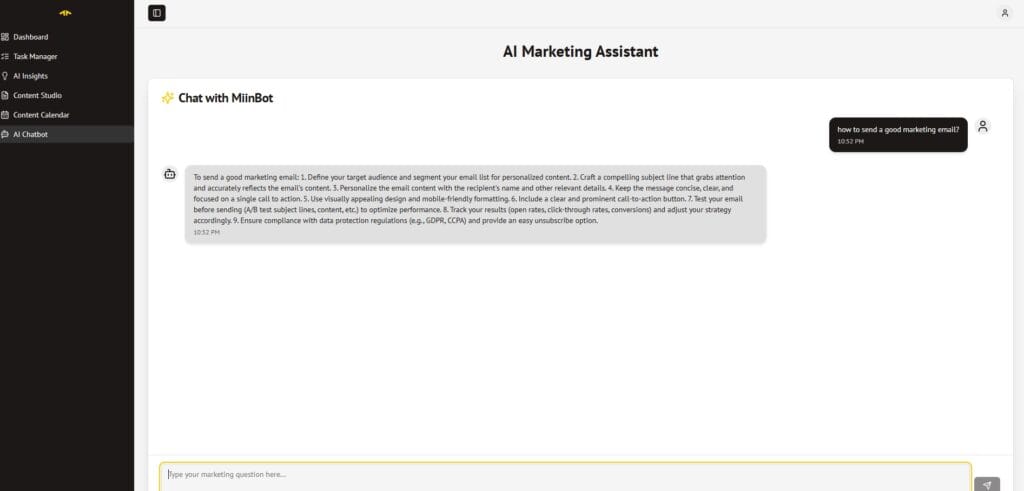
AI marketing assistant
Ask follow-up questions about your tasks and plan. The assistant sees your board, so the advice is about your work, not generic tips.
MiinPlanner is free to use, now and always. If it saves you time, you can buy me a coffee. That’s the whole business model.
Frequently asked questions
Is MiinPlanner really free?
Yes. There’s no paid plan, no trial and no credit card. If it saves you time, you can buy me a coffee from inside the app, but that’s optional.
What does the AI marketing planner actually give me?
A 7, 14 or 30-day plan built around your business, goal, channels and available time. Each task has a clear title, what to do, a channel, a priority and a due date. You choose which tasks to add to your board.
Will adding a plan change my existing tasks?
No. Plan tasks are added alongside what’s already on your board. Nothing you already have is changed or removed.
How many plans can I generate?
Up to 3 plans per day. That’s enough to try a few goals or channel mixes and keep the one that fits.
Which AI does it use?
MiinPlanner uses Google’s Gemini models to write the plan and the insights. Your tasks are stored in Google Firebase and are only visible to you and anyone you invite to a workspace.